How to Replace Paper Forms for Field Teams (Step-by-Step)
Still using paper forms? Here's a practical guide to going digital for field inspections, surveys, and reports — without disrupting your team's workflow.
The Hidden Cost of Paper Forms
Paper forms seem cheap. A few cents per sheet, a clipboard, and a pen. But the real cost is hidden:
- Data re-entry — Someone has to type everything into a spreadsheet. That's hours of labor per week.
- Illegible handwriting — Field conditions aren't great for penmanship. Misread data leads to errors.
- Lost forms — Rain, wind, trucks. Paper gets damaged or misplaced.
- No photos or GPS — Paper can't capture a timestamped photo or GPS coordinate.
- Slow reporting — Managers don't see data until forms are physically returned and entered.
A mid-sized inspection team of 10 people using paper forms typically wastes 15-20 hours per week on data entry alone. At $25/hour, that's $375-500/week — over $20,000/year — just to type in what was already written down.
Why Field Teams Resist Going Digital
If digital forms are so much better, why doesn't everyone switch? Common objections:
"We don't have reliable internet in the field."
This is the #1 reason — and it's valid. Most cloud-based form tools don't work offline. But offline-first tools like FieldForm solve this completely.
"My team isn't tech-savvy."
Modern mobile forms are simpler than you think. If your team can use a smartphone, they can fill a digital form. The interface is just tapping fields and typing — same as texting.
"It'll slow us down during the transition."
Any change has a learning curve. But most teams are fully productive within 1-2 days. And the time saved on data entry pays back immediately.
"We need signatures and photos."
Digital forms handle this better than paper. Draw signatures on-screen, snap photos directly in the form, and auto-tag everything with GPS and timestamps.
Step-by-Step: Going from Paper to Digital
Here's how to transition without disrupting your team:
Week 1: Digitize one form
Pick your most-used form. Recreate it digitally with the same fields — don't try to improve it yet. This keeps things familiar for your team.
Week 2: Pilot with 2-3 people
Have a few team members use the digital form alongside paper for one week. Collect feedback: What's easier? What's confusing?
Week 3: Iterate and expand
Fix any issues from the pilot. Now roll out to the full team for that one form. Keep paper as a backup if anyone needs it.
Week 4+: Add more forms
Once the team is comfortable, digitize your next most-used form. Repeat the process.
Pro tip: Don't digitize all forms at once. Start with one, prove the value, and let momentum carry the rollout.
What to Look for in a Digital Form Tool
For field teams specifically, you need:
- Offline mode — Non-negotiable. Your tool must work without internet.
- Mobile-first design — Forms should be easy to fill on a phone with one hand.
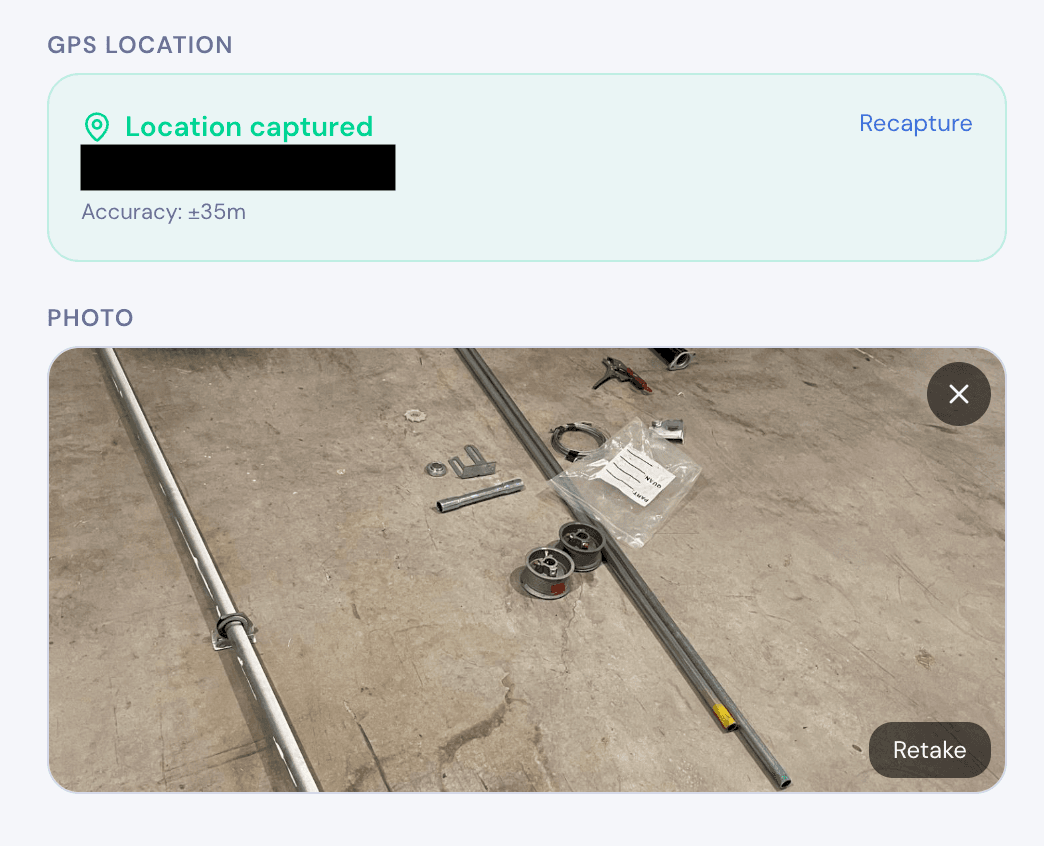
- Photo capture — Built-in camera with compression, not a separate upload step.
- GPS tagging — Automatic location capture on every submission.
- Signatures — On-screen drawing pad for approvals and sign-offs.
- PDF export — Generate professional reports from submissions, on-device.
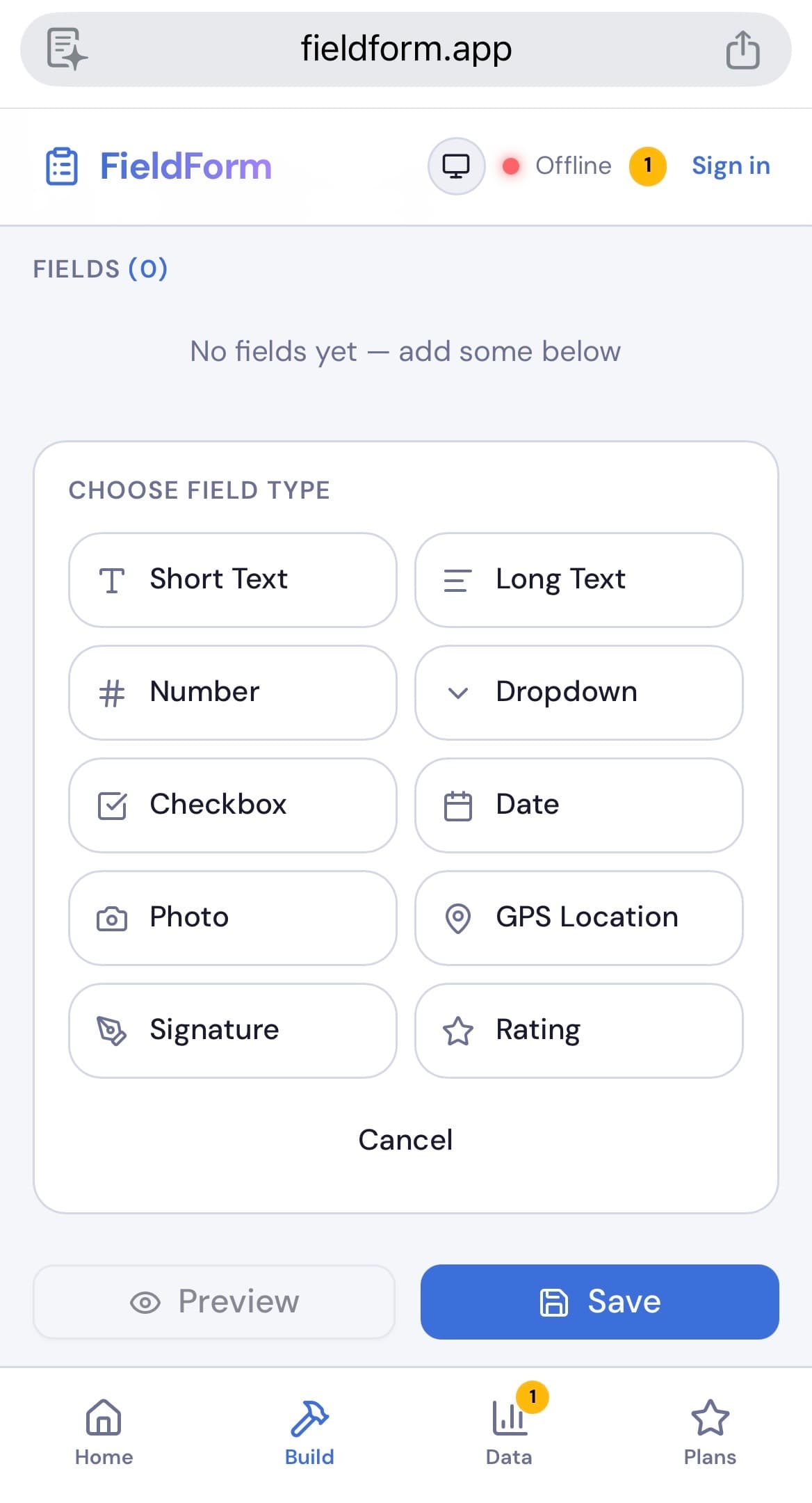
- Simple form builder — Pick your field types and build forms in minutes, no coding required.
- Low cost — You shouldn't pay enterprise prices for basic field forms.
Avoid tools that are designed for office use and claim to work in the field. They'll always let you down when connectivity drops.
How FieldForm Makes the Switch Easy
FieldForm was built specifically for this transition. It's a free, offline-first form builder that runs in the browser — no app installation needed.
- Familiar interface — If you can use a phone, you can use FieldForm
- Works offline — Fill forms, take photos, capture GPS, collect signatures — all without internet
- Instant sync — Data uploads automatically when you reconnect
- PDF reports — Generate professional reports on-device, no server needed
- Free tier — Up to 3 forms and 50 submissions/month for free
Your team can be up and running in under 10 minutes.
Ready to try FieldForm?
Free offline form builder for field teams. No app install needed.
Get started freeMore from the blog
Form Groups: Fill Multiple Linked Forms in One Site Visit
Learn how FieldForm's new Form Groups feature lets you link a main form to a set of check forms, auto-populate shared fields, and export everything as a single PDF bundle.
GuideHow to Collect Field Data Without Internet in 2026
Learn how offline field data collection apps work, why they matter for remote teams, and how to set up a reliable workflow that syncs when you reconnect.