How to Collect Field Data Without Internet in 2026
Learn how offline field data collection apps work, why they matter for remote teams, and how to set up a reliable workflow that syncs when you reconnect.
Why Offline Data Collection Matters
If your team works in the field — construction sites, rural farms, disaster zones, or remote infrastructure — you already know the problem: there's no reliable internet.
Traditional cloud-based form tools like Google Forms or Typeform assume you're always connected. The moment you lose signal, you lose the ability to collect data. That means paper forms, manual re-entry, and lost information.
Offline data collection solves this by letting your team capture data, photos, GPS coordinates, and signatures right on their phone or tablet — even in airplane mode. Everything syncs automatically when connectivity returns.
How Offline Form Apps Work
Modern offline form apps use a technology called Progressive Web Apps (PWAs) or native apps with local storage. Here's the basic flow:
- Download the form while you have internet. The form structure is cached on your device.
- Fill out forms offline. All data is stored locally in the browser's IndexedDB or the app's local database.
- Capture media offline. Photos, GPS coordinates, and signatures are stored alongside the form data.
- Auto-sync when back online. A background sync engine detects connectivity and pushes all pending submissions to the server.
The key difference between a good and bad offline app is conflict resolution — what happens when two people edit the same record, or when a sync fails halfway? The best apps handle this gracefully with retry logic and version tracking.
What to Look for in an Offline Data Collection App
Not all "offline" apps are created equal. Here's what actually matters:
- True offline mode — Can you fill the entire form, not just view it? Some apps claim offline support but only cache read-only data.
- Photo capture — Can you snap photos directly in the form, with automatic compression so they don't fill up your device?
- GPS tagging — Does it capture location coordinates automatically, even without cell service? (GPS works without internet.)
- Signatures — Can field workers collect sign-offs on-screen?
- Background sync — Does it sync automatically, or do users have to manually push data?
- No app store required — PWA-based tools work directly in the browser, so there's nothing to install or update through an app store.
Setting Up an Offline Data Collection Workflow
Here's a practical workflow your team can implement today:
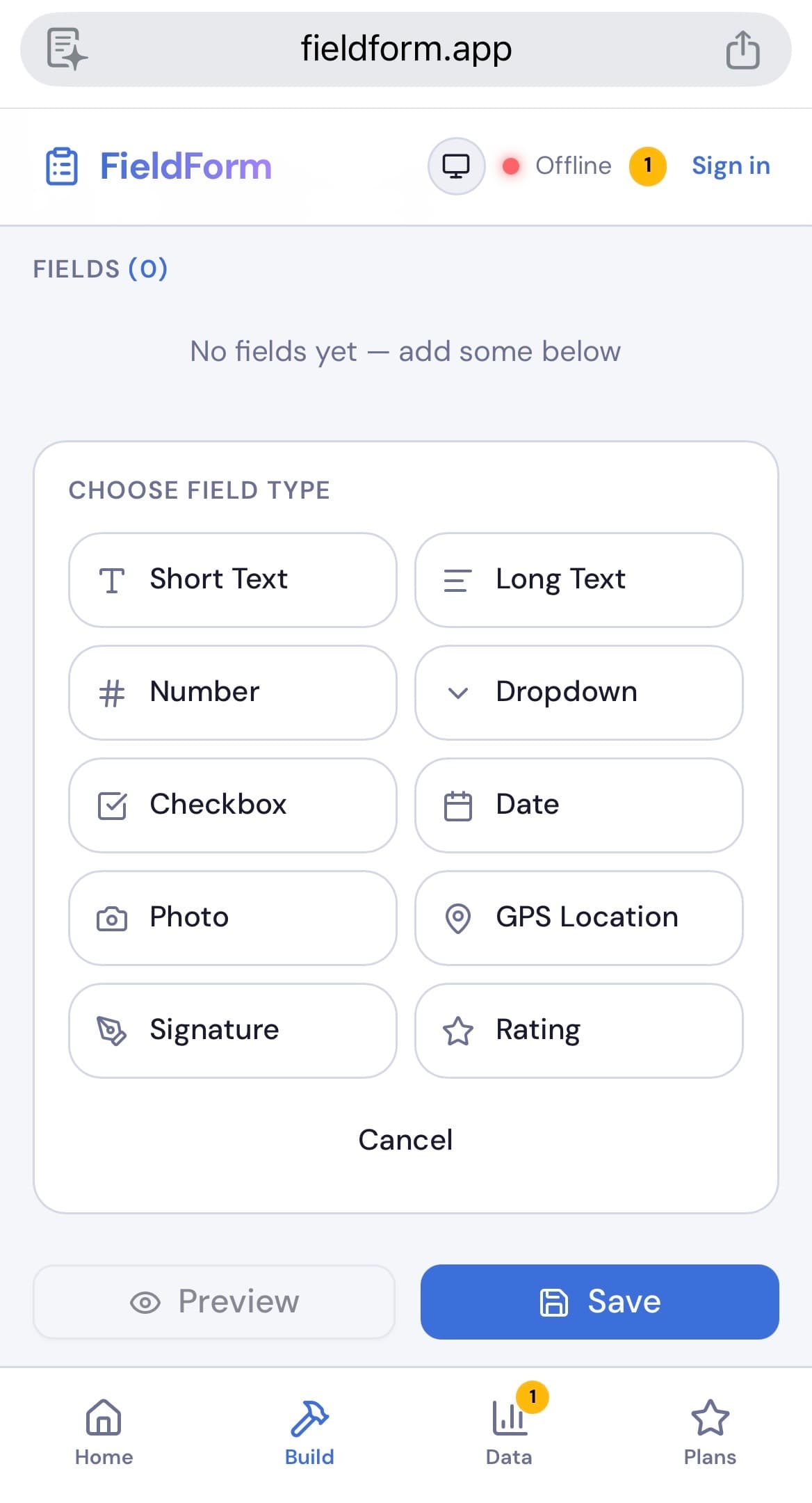
Step 1: Build your form
Create your form with the fields you need — text, numbers, dates, dropdowns, photos, GPS, and signature fields. Do this while connected.
Step 2: Assign forms to your team
Share the form link with field workers. They open it once on their device while connected, which caches the form for offline use.
Step 3: Collect data in the field
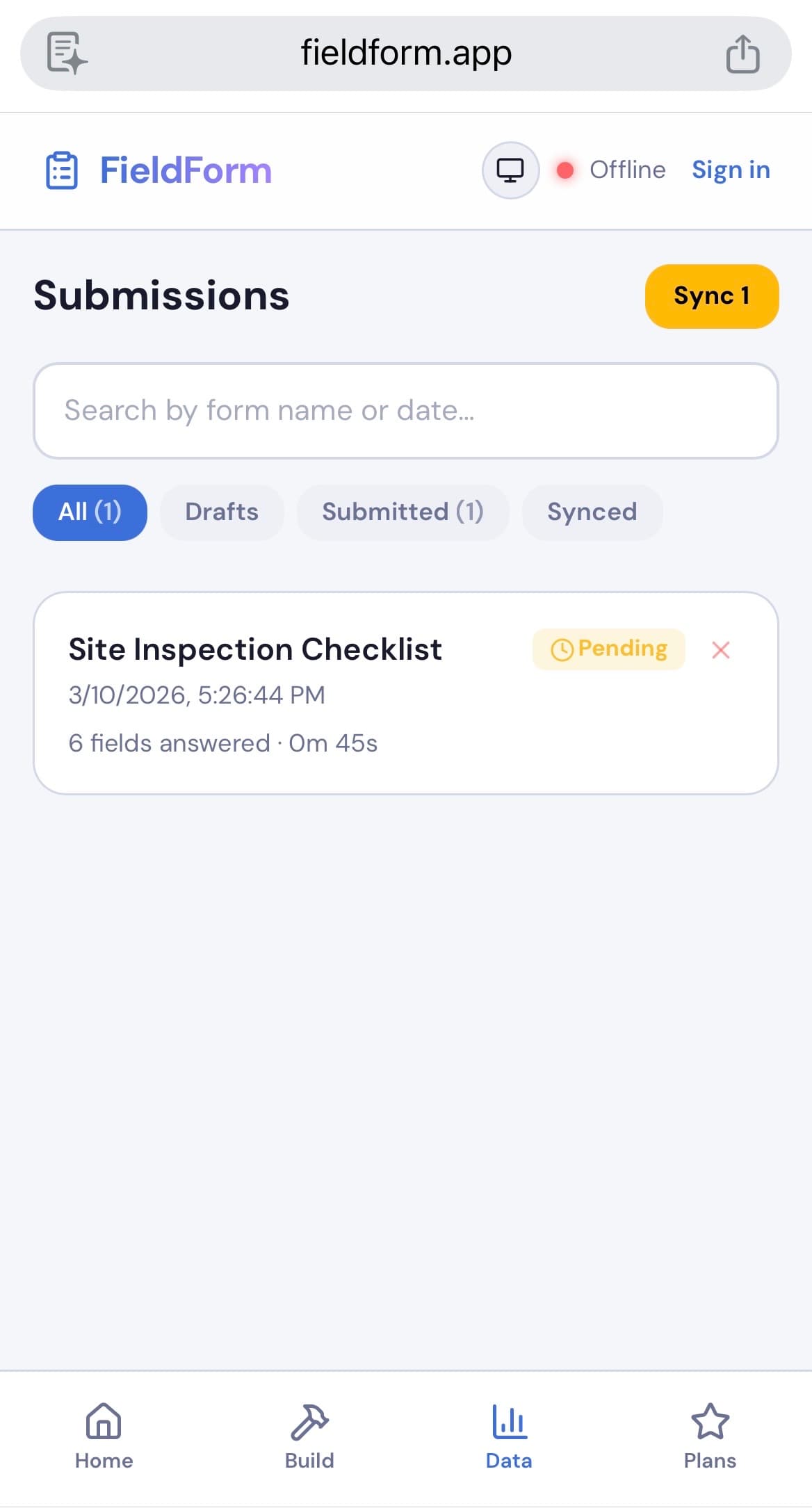
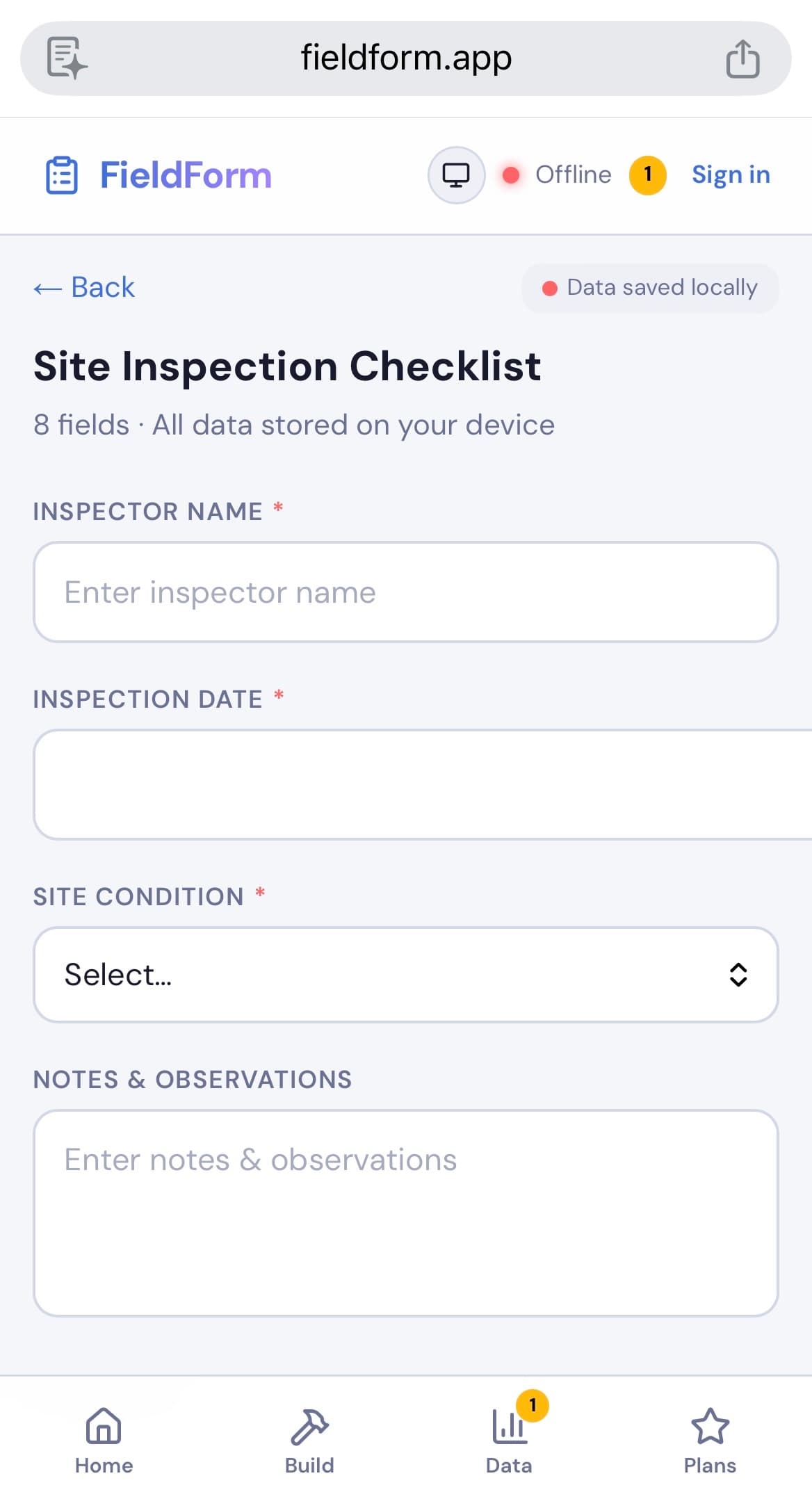
Workers fill out forms, snap photos, and capture GPS — all without internet. Each submission is saved locally with a pending status.
Step 4: Sync back at base
When workers return to an area with connectivity (or connect to Wi-Fi), all pending submissions sync automatically. Managers can see the data in real time.
Step 5: Export and report
Generate PDF reports or export data to CSV for further analysis.
Common Use Cases
Offline data collection is critical across many industries:
- Construction — Site inspections, safety checklists, progress reports with timestamped photos
- Agriculture — Crop assessments, soil sampling records, pest monitoring logs
- NGOs & Humanitarian — Household surveys, needs assessments, beneficiary registration in areas with no infrastructure
- Utilities — Meter readings, maintenance logs, asset inspections for power lines, water systems
- Environmental — Water quality sampling, wildlife monitoring, compliance audits in remote areas
- Real estate — Property condition reports, inspection checklists with photo evidence
FieldForm: Built for Offline Field Work
FieldForm is a free, offline-first form builder designed specifically for field teams. It works as a PWA — no app store download needed — and supports photos, GPS, signatures, and PDF export, all without internet.
Key highlights:
- 100% offline capable — fill forms, capture photos, and collect GPS even in airplane mode
- Automatic background sync with retry logic and conflict resolution
- Free for small teams — up to 3 forms and 50 submissions/month at no cost
- Works on any device — phones, tablets, laptops, any modern browser
Ready to try FieldForm?
Free offline form builder for field teams. No app install needed.
Get started freeMore from the blog
Form Groups: Fill Multiple Linked Forms in One Site Visit
Learn how FieldForm's new Form Groups feature lets you link a main form to a set of check forms, auto-populate shared fields, and export everything as a single PDF bundle.
GuideHow to Replace Paper Forms for Field Teams (Step-by-Step)
Still using paper forms? Here's a practical guide to going digital for field inspections, surveys, and reports — without disrupting your team's workflow.