Mobile Data Collection for NGOs: A Complete Guide
How NGOs and humanitarian organizations can use mobile data collection tools for field surveys, needs assessments, and beneficiary registration — even in areas with no internet.
Why Mobile Data Collection Matters for NGOs
NGOs and humanitarian organizations collect data in some of the world's most challenging environments — rural villages, refugee camps, disaster-affected areas, and conflict zones. These are places where paper forms have been the default for decades.
But paper-based data collection has serious limitations for NGO work:
- Slow turnaround — Data from the field takes days or weeks to reach decision-makers
- Entry errors — Manual data entry introduces 2-5% error rates on average
- No real-time visibility — Program managers can't see field progress until data is physically returned
- Difficult to aggregate — Combining data from multiple enumerators and sites is painful
- Security concerns — Paper forms with sensitive beneficiary data can be lost or stolen
Mobile data collection puts a digital form on every enumerator's phone, capturing structured data, photos, GPS, and consent signatures — and syncing it to a central database automatically.
Key Requirements for NGO Data Collection Tools
NGOs have specific needs that differ from commercial field teams:
Offline-first is non-negotiable
Most fieldwork happens where there's no internet. The tool must work fully offline — not just caching data, but allowing complete form filling, photo capture, and GPS tagging without any connectivity.
Multi-language support
Forms may need to be filled in local languages. Look for tools that support Unicode and allow you to create forms in any language.
Low device requirements
Enumerators often use low-end Android phones. The tool should work on older devices with limited storage and processing power. PWA-based tools are ideal here since they don't require app store downloads.
Data security
Beneficiary data is sensitive. The tool should encrypt data at rest and in transit, with role-based access controls.
Cost
NGO budgets are tight. Free or low-cost tools with reasonable limits are essential. Per-seat licensing models can be prohibitive for large enumerator teams.
GPS verification
For household surveys and needs assessments, GPS coordinates verify that enumerators actually visited the reported locations.
Common NGO Data Collection Use Cases
Household Surveys
Door-to-door data collection for needs assessments, demographic profiling, or program evaluation. Requires GPS tagging, consent signatures, and often photo documentation.
Beneficiary Registration
Enrolling individuals or families in programs — capturing names, demographics, photo IDs, and consent. Must work offline for registration drives in remote areas.
Health Monitoring
Tracking health indicators, vaccination coverage, nutrition status, or disease surveillance. Requires structured data with validation rules to ensure data quality.
Agricultural Assessments
Crop monitoring, food security surveys, market price tracking. Often conducted in areas with zero connectivity.
Post-Distribution Monitoring
Verifying that aid reached intended beneficiaries. Requires GPS, photos, and beneficiary signatures.
Environmental Monitoring
Water quality testing, deforestation tracking, climate impact assessments in remote regions.
FieldForm vs KoboToolbox: A Practical Comparison
KoboToolbox has been the go-to free tool for NGO data collection. It's powerful but comes with trade-offs. Here's how FieldForm compares:
| Feature | FieldForm | KoboToolbox |
|---|---|---|
| Offline support | Full offline (PWA) | Requires KoBoCollect Android app |
| Setup complexity | No install needed | Requires app installation + configuration |
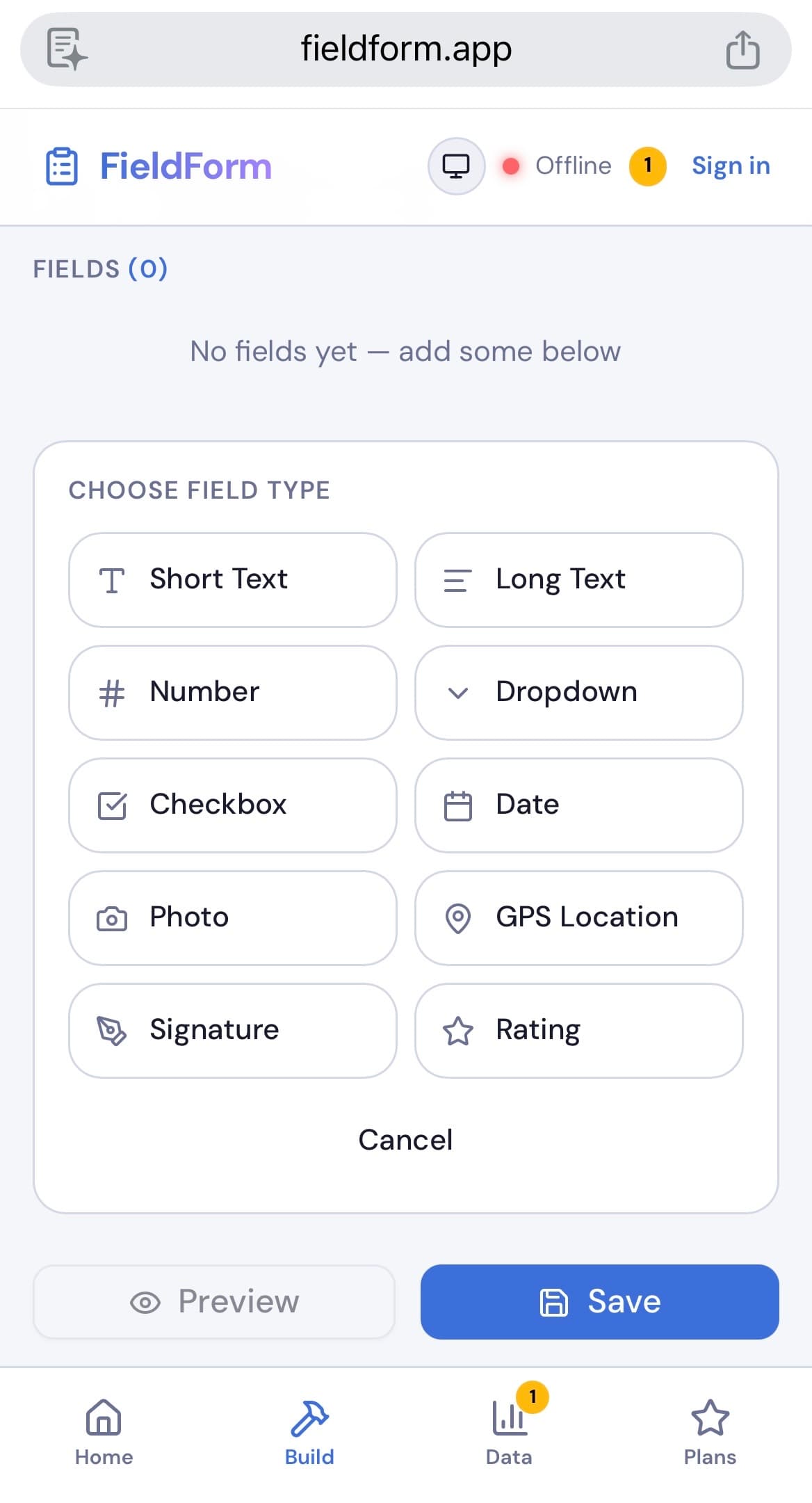
| Form builder | Simple field picker | XLSForm or web builder |
| Photo capture | Built-in with compression | Via KoBoCollect app |
| GPS tagging | Automatic per submission | Supported via app |
| Signatures | Built-in signature pad | Requires custom setup |
| PDF export | On-device, instant | Server-side, limited |
| Learning curve | Minimal | Moderate to steep |
| Cost | Free tier (3 forms, 50 subs/mo) | Free (self-hosted or hosted) |
| Device support | Any device with a browser | Android only for offline |
When to choose FieldForm: Your team needs a simple, fast setup with offline support across all devices (including iOS and laptops). Best for smaller teams or projects where simplicity matters.
When to choose KoboToolbox: You need advanced features like skip logic with complex conditions, large-scale deployments with thousands of submissions, or XLSForm compatibility with existing workflows.
Setting Up Mobile Data Collection for Your NGO
Here's a practical rollout plan:
Phase 1: Pilot (1-2 weeks)
- Pick one data collection activity (e.g., a household survey)
- Digitize the existing paper form — keep it identical at first
- Train 3-5 enumerators on the tool
- Run digital and paper side-by-side for comparison
Phase 2: Evaluate (1 week)
- Compare data quality between paper and digital
- Measure time savings in data entry and aggregation
- Collect feedback from enumerators: What's easier? What's harder?
Phase 3: Scale (2-4 weeks)
- Roll out to all enumerators for that activity
- Digitize additional forms
- Set up dashboards for real-time monitoring
Phase 4: Optimize
- Add validation rules to improve data quality
- Use GPS data to verify enumerator coverage
- Generate automated reports from submissions
Get Started with FieldForm
FieldForm offers a free tier that's perfect for NGO pilot projects — 3 forms and 50 submissions per month at no cost.
- No app download — works in any browser, any device
- Full offline support — fill forms, take photos, capture GPS without internet
- Simple enough for any enumerator — if they can use a phone, they can use FieldForm
- Auto-sync — data uploads automatically when connectivity returns
- PDF reports — generate on-device for immediate sharing
Ready to try FieldForm?
Free offline form builder for field teams. No app install needed.
Get started freeMore from the blog
Form Groups: Fill Multiple Linked Forms in One Site Visit
Learn how FieldForm's new Form Groups feature lets you link a main form to a set of check forms, auto-populate shared fields, and export everything as a single PDF bundle.
GuideHow to Collect Field Data Without Internet in 2026
Learn how offline field data collection apps work, why they matter for remote teams, and how to set up a reliable workflow that syncs when you reconnect.