FieldForm vs Google Forms: Which Is Better for Field Work?
Google Forms is great for online surveys but falls short for field data collection. Here's a detailed comparison for teams that work offline.
Google Forms: Great for Online, Broken for Field Work
Google Forms is one of the most popular form tools in the world — and for good reason. It's free, simple, and works perfectly for online surveys, RSVPs, and feedback forms.
But if your team works in the field, Google Forms has critical gaps:
- No offline support — Google Forms requires an internet connection to load and submit. No signal = no data collection.
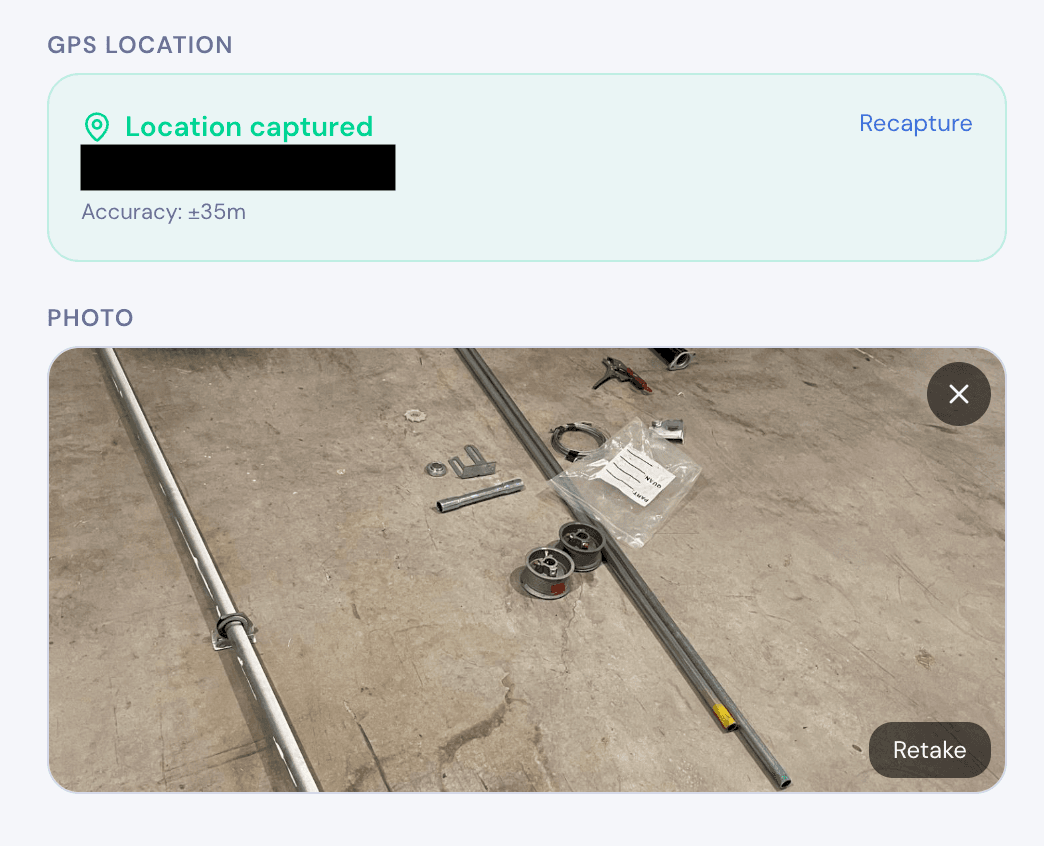
- No photo capture — You can't snap a photo directly in a Google Form. You'd need a separate file upload step, which doesn't work offline.
- No GPS tagging — Google Forms doesn't capture location coordinates.
- No signatures — There's no built-in signature field.
- No PDF export — You can't generate a formatted report from a submission.
- Not mobile-optimized for field use — While responsive, Google Forms wasn't designed for one-handed use on a construction site or in the rain.
For office-based data collection, Google Forms is hard to beat. For field work, it's the wrong tool.
Feature-by-Feature Comparison
| Feature | FieldForm | Google Forms |
|---|---|---|
| Offline mode | Full offline (PWA) | No offline support |
| Photo capture | Built-in with compression | File upload only (requires internet) |
| GPS tagging | Automatic per submission | Not available |
| Signatures | Built-in signature pad | Not available |
| PDF export | On-device, instant | Not available |
| Form builder | Simple field picker | Drag-and-drop |
| Conditional logic | Basic show/hide | Advanced skip logic |
| Integrations | CSV export, API (coming soon) | Google Sheets, extensive ecosystem |
| Collaboration | Team workspaces | Google Workspace sharing |
| Price | Free tier (3 forms, 50 subs/mo) | Free (unlimited) |
| Responses storage | Cloud + offline cache | Google Sheets |
When to Use Google Forms
Google Forms is the better choice when:
- Your respondents are always online (customer surveys, event registrations, feedback forms)
- You need advanced integrations with Google Workspace (Sheets, Drive, Calendar)
- You need complex conditional logic with multiple branching paths
- You have unlimited submissions and don't want to think about quotas
- Your forms are simple text-based surveys without photos, GPS, or signatures
If your data collection happens at a desk with Wi-Fi, Google Forms is excellent and free.
When to Use FieldForm
FieldForm is the better choice when:
- Your team works in the field — construction sites, farms, remote areas
- You need offline support — data collection must work without internet
- You need photo documentation — built-in camera capture with compression
- You need GPS tracking — know where each submission was collected
- You need signatures — on-screen sign-offs and approvals
- You need PDF reports — generate professional reports on-device
- You want no app installation — FieldForm works in any browser as a PWA
If your data collection happens outside an office, FieldForm is built for you.
Ready to try FieldForm?
Free offline form builder for field teams. No app install needed.
Get started freeMore from the blog
Form Groups: Fill Multiple Linked Forms in One Site Visit
Learn how FieldForm's new Form Groups feature lets you link a main form to a set of check forms, auto-populate shared fields, and export everything as a single PDF bundle.
GuideHow to Collect Field Data Without Internet in 2026
Learn how offline field data collection apps work, why they matter for remote teams, and how to set up a reliable workflow that syncs when you reconnect.